
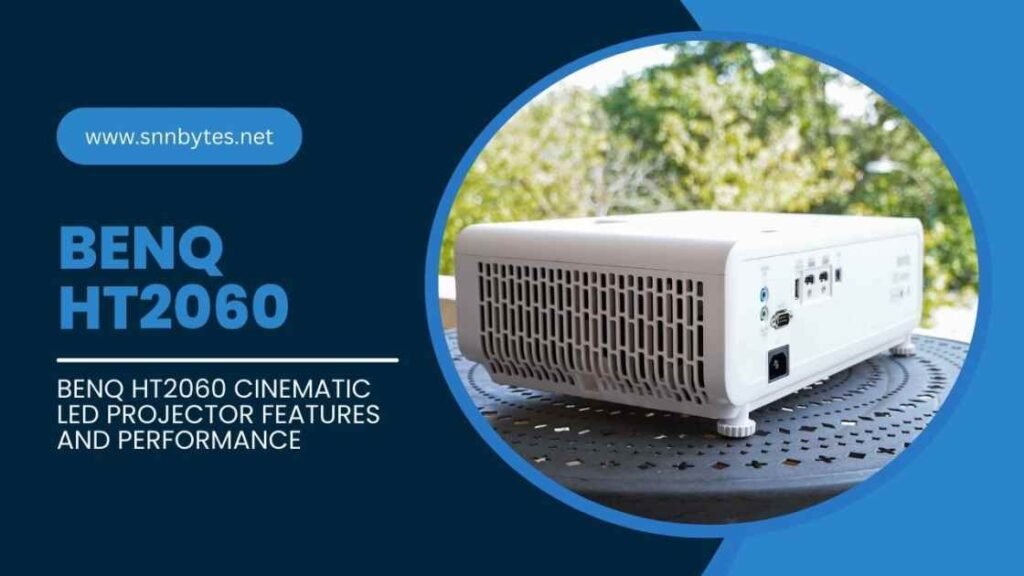
The benq ht2060 is a popular home theater projector designed for users who want cinematic picture quality, long lasting performance, and low maintenance operation. Built with a modern 4LED light source and Full HD resolution, it delivers accurate colors, stable brightness, and smooth motion for movies, gaming, and everyday entertainment.
This article explains the benq ht2060 projector in detail, covering its features, performance, setup, and real world usability. By the end, you will understand whether this projector fits your viewing needs and how to get the best results from it.
What is the BenQ HT2060 Projector
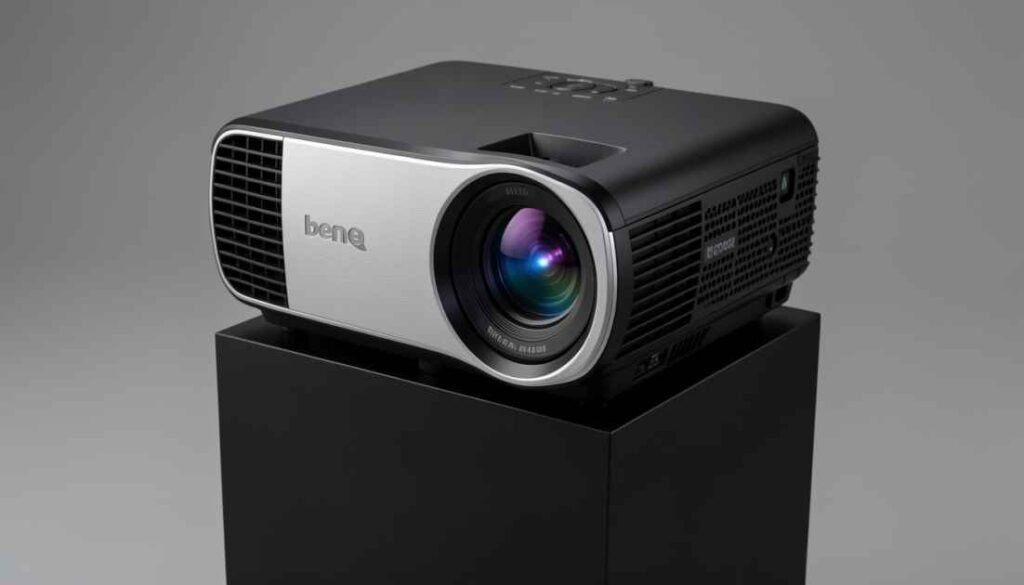
The benq ht2060 is a Full HD 1920 by 1080 DLP home theater projector designed to offer bright, accurate images with low maintenance thanks to an LED light source. It targets living rooms and small to medium dedicated theaters where accurate color and long runtime matter more than maximum pixel count. Key design goals for the model include strong Rec 709 color coverage, comfortable brightness for rooms with some ambient light, gamer friendly inputs with low input lag, and simple installation features such as lens shift and optical zoom. The benq ht2060 sits in the segment that prioritizes practical day to day performance over flagship features that push price much higher.
How the BenQ HT2060 4LED System Works
The benq ht2060 uses a 4LED light engine rather than a traditional high pressure lamp. Multiple LED emitters are combined to expand color gamut and improve color stability over time. Compared with lamp based systems, LED light sources typically show steadier color temperature across their lifetime and they do not require periodic lamp replacement, which lowers long term ownership cost and hassle.
Practical benefits of the 4LED approach for home use
- Consistent color performance over many years
- Fast color response that reduces rainbow artifacts in DLP systems
- Long rated usable life that makes the projector effectively maintenance free for most buyers
- Lower heat and faster startup and shutdown compared with lamp based units
In real world viewing the LED engine produces richly saturated highlights and stable whites, which contributes to the benq ht2060 reputation for pleasing cinematic color without extensive calibration.
BenQ HT2060 Cinematic Color Accuracy
Color accuracy is a strong point for the benq ht2060. Out of the box, movie focused picture modes tend to sit close to Rec 709 color targets, which are the standard reference for HDTV and most cinematic content. That translates into natural skin tones, well balanced midtones, and controlled color saturation for nature scenes and film color timing.
Calibration and professional adjustment
The projector responds well to calibration with a colorimeter or professional calibration service. Grayscale tracking and gamma can be refined to reduce small color casts in shadows and highlights. After calibration the benq ht2060 commonly delivers neutral whites and accurate color reproduction that will satisfy viewers who care about fidelity to director intent. For most home owners a factory movie or cinema preset will be adequate and will produce pleasing results immediately.
Practical color tips
- Use the movie or cinema mode for film and TV playback to get the closest match to Rec 709
- If you have a calibrator, target a gamma of 2.2 in a living room environment and 2.4 for a dedicated dark theater
- Avoid exaggerated color boost modes when watching natural looking content because they push skin tones toward oversaturation
BenQ HT2060 vs 4K Which is Better
Choosing whether the benq ht2060 or a native 4K projector is the better option depends on how you use the display and what you value most.
Comparison table
| Factor | benq ht2060 1080p | Typical native 4K projector |
| Native resolution | 1920 by 1080 | 3840 by 2160 |
| Perceived sharpness on moderate screens | Very good on screens up to about 120 inches diagonal | Superior detail at very large screen sizes |
| Color fidelity | Strong Rec 709 coverage and predictable color | Varies by model some excel in gamut and brightness |
| Brightness behavior | Generally brighter per price in its class | Can be bright but often costs more |
| Running cost | Long LED life reduces maintenance | Lamp models require periodic bulb replacement unless LED or laser |
| Price to performance | Typically better value for budget conscious buyers | Higher cost for top tier sharpness and HDR peak brightness |
If you plan to sit relatively close to the screen or use a very large screen over 120 inches diagonal, a native 4K projector will deliver a visibly crisper image. For most living rooms and average sized screens, the benq ht2060 gives a compelling balance of image quality, vivid color, and lower lifetime running cost.
BenQ HT2060 Gaming Performance & Lag
BenQ HT2060 Gaming Performance & Lag
Gaming performance is another area where the benq ht2060 performs well for its class. The projector has a low input lag mode intended for interactive content. When used with modern consoles and gaming PCs the projector can accept high frame inputs and render them with responsive feel.
What gamers should know
- Use the projector’s game or low latency mode for the fastest response
- Match the output resolution and refresh rate of your console or PC to the projector capability to avoid unnecessary scaling
- For competitive e sports style play a dedicated monitor will still be faster but the benq ht2060 is excellent for immersive single player and casual multiplayer gaming
Measured response times reported by testers place the unit in a range that is comfortable for most players, and it supports the resolution and frame rates common on current consoles and gaming PCs.
HDR10 Support on the BenQ HT2060
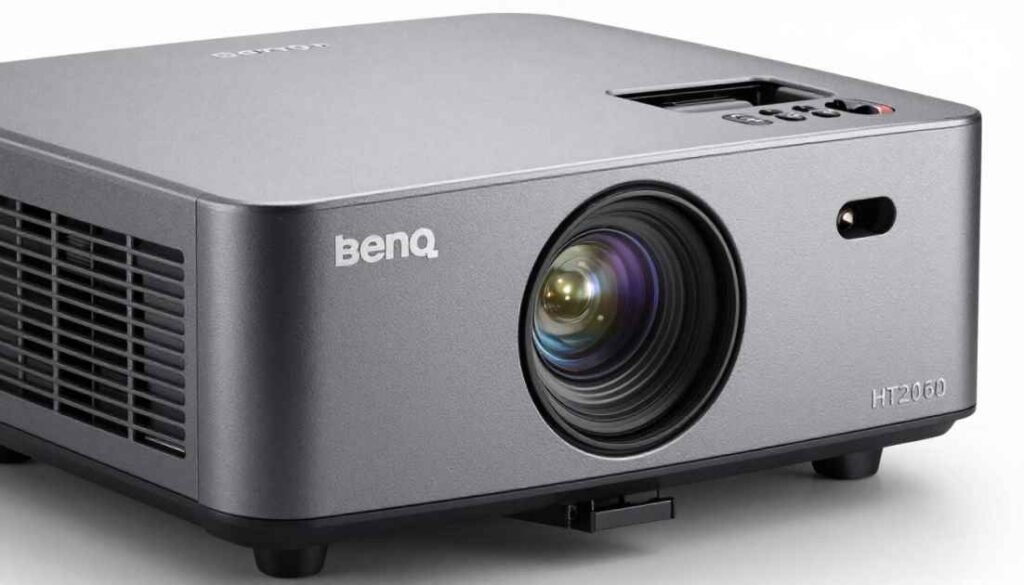
The benq ht2060 accepts HDR10 and HLG signals and applies tone mapping to translate the extended dynamic range into the projector’s capabilities. Since the projector is native 1080p the HDR signal is downscaled and tone mapped which affects peak brightness and highlight stretching.
Real world HDR impressions
- HDR content looks noticeably more dynamic than SDR content on the projector despite the limits of peak brightness
- Tone mapping helps preserve highlight detail without crushing shadow information
- The projector will not reach the absolute peak luminance of the brightest HDR capable 4K projectors but it produces a cinematic sense of depth and highlight pop suitable for home theaters
Practical HDR advice
- Disable any exaggerated HDR processing if you prefer natural highlights and shadow detail
- Use a calibrated HDR preset or a professional calibration when possible to balance highlight clipping and shadow lift
BenQ HT2060 Setup & Lens Shift Guide
Getting the projector installed correctly is essential to optimize image quality. The benq ht2060 includes features that simplify setup while avoiding geometry compromises.
Installation fundamentals
- Throw ratio and placement: The projector has a relatively short throw capability which allows a large image from a modest distance. Measure your room and consult the projector throw table to find the correct mounting distance for your desired screen diagonal.
- Lens shift: Vertical lens shift is provided to move the image up or down without resorting to digital keystone correction. Always use optical lens shift when possible because it preserves pixel geometry and sharpness.
- Zoom: The optical zoom range allows fine tuning of image size without moving the projector. This is useful for ceiling mounts or tight installation spaces.
- Avoid heavy keystone correction: Digital keystone correction can soften the image and introduce scaling artifacts. Place the projector so keystone adjustments are minimal.
Practical setup checklist
- Determine screen size and mounting position using the throw table
- Use a spirit level and alignment tools to ensure the projector is square to the screen
- Place the projector so the image sits in the middle of the lens shift range for maximum installation flexibility
- Calibrate the basic picture mode and geometry before advanced calibration
BenQ HT2060 LED Lifespan & Durability
One of the benq ht2060 selling points is its long LED life. LED light engines are rated for many thousands of hours which translates to years of typical home use without a lamp change.
Practical expectations
- The LED engine keeps color stability longer than lamp based systems so color shift over time is minimal
- For heavy daily playback the projector will still provide many years of service
- Reduced heat and fewer moving parts compared with lamp systems can make LED projectors more durable in typical home environments
Maintenance tips
- Keep airflow and vents clear to avoid heat induced wear
- Clean dust from the room and projector housing occasionally using manufacturer recommended methods
- Use eco or economy modes for routine viewing to extend LED life while still getting good image brightness
Testing the BenQ HT2060 Internal Speakers
The benq ht2060 includes onboard audio that is convenient for casual use but limited in dynamics compared with external systems.
What to expect from internal speakers
- Reasonable clarity for dialog in small rooms
- Limited low frequency extension and limited dynamic headroom for explosive movie soundtracks
- Sufficient for background viewing or occasional use
For a true cinematic experience pair the projector with a dedicated soundbar or an AVR and speaker set that matches your taste and room size.
Best Screen Pairs for BenQ HT2060
Choosing the right screen is one of the highest impact upgrades you can make. Screen type affects perceived contrast, sharpness, and color more than almost any other accessory.
Screen recommendation table
| Use case | Recommended screen type | Rationale |
| Dedicated dark home theater | Matte white fixed frame screen | Neutral color rendering and even gain maximize color fidelity |
| Living room with ambient light | Ambient light rejecting screen | Helps preserve contrast and color when ambient light is present |
| Short throw smaller rooms | High quality smooth surface with low texture | Preserves fine detail at short throw distances |
| Very large screens above 120 inches | Moderate gain screen | Compensates for lumen distribution and maintains perceived brightness |
Practical screen selection tips
- If color accuracy is top priority choose a high quality matte white screen and calibrate the projector to the screen
- For rooms with daylight or strong ambient light invest in an ambient light rejecting screen matched to the projector throw and seating layout
- Avoid inexpensive textured fabrics which can break up fine detail and create hot spotting
BenQ HT2060 Connectivity & Port Options
The benq ht2060 provides modern connectivity choices to support consoles, streaming devices, and home AV systems.
Common connectivity features
- Multiple HDMI inputs capable of handling full HD and HDR signals
- Audio output for external amplification and soundbar connection
- USB power for small accessories
- Integration friendly control options for custom installs
Connectivity tips
- Use high quality HDMI cables and avoid unnecessary adaptors which can introduce handshake issues
- Route audio to a dedicated sound system for the best immersion
- Label inputs on your AVR or switch to keep sources organized
Final Verdict Is BenQ HT2060 Worth It
The benq ht2060 is worth considering if you want a balance of strong color fidelity, low long term maintenance, and gamer friendly performance at a value conscious price. The projector delivers cinematic color reproduction that satisfies movie fans and reacts well to calibration. HDR support improves dynamic range in practical viewing and tone mapping preserves shadow detail. The main tradeoff is native 1080p resolution which is visible against 4K projectors on very large screens or for users who demand ultimate pixel level detail.
Who should buy the benq ht2060
- Buyers with screens up to about 120 inches who want vivid color and long term reliability
- Gamers who prefer immersive big screen play with low input lag
- Users who value low maintenance LED operation and predictable color performance
Who should consider something else
- Buyers who need native 4K detail for very large screens or cinematic pixel density
- Those who want the absolute highest HDR peak brightness that only top tier projectors can deliver
- Audiophiles who want integrated reference quality audio without external speakers
Conclusion
The benq ht2060 is a practical, well balanced home theater projector that excels at color accurate movie playback, long term reliability, and accessible gaming performance. It represents a compelling value for living room and small theater setups.
If you pair it with a suitable screen and an external audio system you can achieve a highly satisfying cinematic experience without the expense and maintenance associated with some lamp based or ultra premium models.
FAQs
What are the benq ht2060 specs I should know
Essential benq ht2060 specs include 1920 by 1080 native resolution, LED light engine with long rated life, vertical lens shift and optical zoom for flexible placement, HDR10 and HLG support with tone mapping, and a modern set of HDMI and audio outputs.
How long will the benq ht2060 LEDs last
Expect many years of viewing from the LED light source under normal usage patterns. Using economy modes extends usable life further and reduces power consumption while preserving good image quality.
Is the benq ht2060 good for gaming
Yes the projector is well suited to immersive console and PC gaming. Use the low latency game mode and match your source resolution and refresh rate for the best responsiveness.
Can the benq ht2060 handle HDR content well
The projector accepts HDR signals and tone maps them to its dynamic range. While it won’t match the brightest HDR projectors it produces more cinematic highlight rendering than standard dynamic range content.
Should I buy an external speaker with the benq ht2060
For a true cinematic audio experience an external soundbar or AVR and speaker setup is recommended. The built in speakers provide convenience but are limited in bass and dynamic range.
What screen size is ideal for the benq ht2060
A screen between 100 and 120 inches diagonal is often the sweet spot for balanced perceived sharpness and brightness in typical living rooms. Larger screens are possible but require careful consideration of room light and audience distance.