
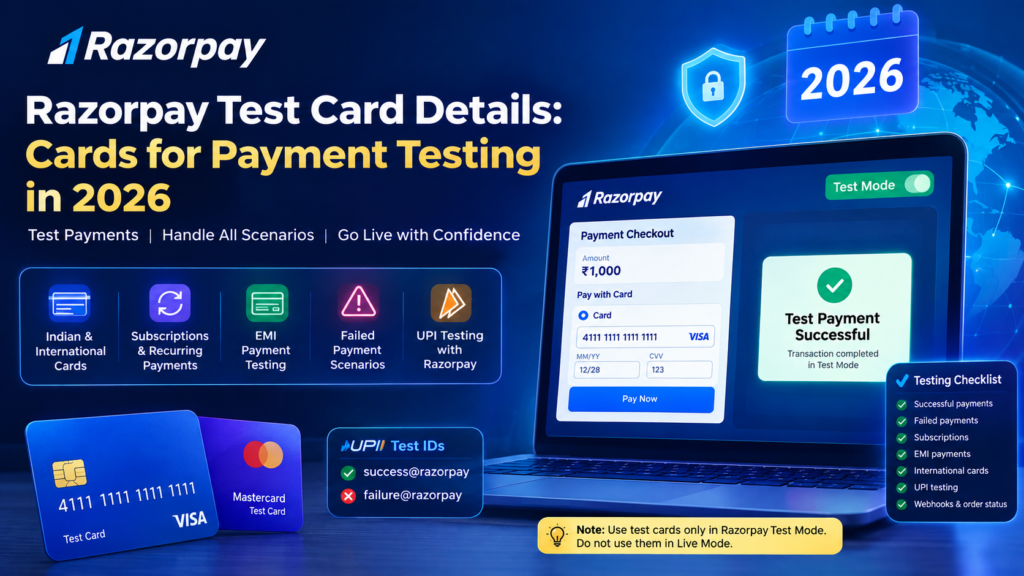
Razorpay test card details are special numbers you enter only inside Razorpay Test Mode. They let developers and businesses check payment flows without touching real money or real bank cards.
These cards work with Test Mode API keys. They fail if you try them in Live Mode. Real cards fail if you try them in Test Mode. Use any future expiry date and any random CVV. That simple rule covers almost every test you will run.
What Are Razorpay Test Card Details?
Razorpay gives developers a set of fake card numbers that only the Test Mode environment accepts. When you enter one of these numbers at Checkout, Razorpay shows a mock bank page. You pick Success or Failure. Nothing reaches a real bank. No money moves.
Developers use these cards every day to confirm that:
- Checkout opens without errors
- Success and failure messages appear correctly
- Orders update in the backend
- Webhooks fire as expected
- Subscriptions and EMI plans complete the full cycle
Without these cards you would need real bank accounts and real money just to test a button. This slows down teams and increases risk. Razorpay test card details remove both problems.
Razorpay Test Cards for Indian Payments
Most Indian projects start with domestic cards. These two numbers appear again and again in Razorpay documentation and community guides:
| Network | Card Number | CVV | Expiry Date |
| Mastercard | 5267 3181 8797 5449 | Any random | Any future date |
| Visa | 4111 1111 1111 1111 | Any random | Any future date |
| Visa | 4386 2894 0766 0153 | Any random | Any future date |
Enter the number, type any three digits for CVV (123 works), and pick a future month and year such as 12/30. Cardholder name can be anything. After you click Pay, the mock page appears. Choose Success to finish a clean payment.
Some accounts also accept additional domestic numbers for RuPay, Amex or Diners. Check the official Razorpay page if your project needs those networks.
Razorpay International Test Card Details
International cards help you test payments that come from outside India.
Common numbers include:
| Network | Card Number | Notes |
| Mastercard | 5555 5555 5555 4444 | Works in most accounts |
| Mastercard | 5105 1051 0510 5100 | Often asks for a US address |
| Visa | 4012 8888 8888 1881 | Reliable international choice |
If the Mastercard 5105 1051 0510 5100 card asks for an address, type exactly:
- Address Line 1: 21 Applegate Apartment
- Address Line 2: Rockledge Street
- City: New York
- State: New York
- Country: US
- Zipcode: 11561
International testing can behave differently from domestic testing. Some accounts keep international payments turned off by default. Turn the feature on in the Dashboard if the cards get rejected.
Razorpay Test Cards for Failed Payments
Happy-path tests are not enough. You also need to see what happens when a payment fails.
Razorpay supplies cards that trigger specific errors such as insufficient funds, declined by bank, or timeout. In many flows you still enter a normal test card and simply choose Failure on the mock page. Newer documentation lists dedicated error cards that map straight to particular error codes.
After a failed test, confirm three things:
- Your website shows a clear message the user can understand
- No paid order appears in your system
- The correct failed webhook reaches your server
Teams that skip failure testing often discover broken error screens only after real customers start paying.
Razorpay Test Cards for Subscriptions
Subscriptions add tokenization and recurring charges. Use these cards for that flow:
- Domestic Visa: 4718 6091 0820 4366
- Domestic Mastercard: 5104 0600 0000 0008
- International Mastercard: 5104 0155 5555 5558
In Test Mode the token usually stays valid for only a few days. Authenticate the subscription first, then use the Dashboard “Charge this now” button to simulate later payments. Test both the first authentication payment and the later recurring charges.
Razorpay Test Card Details for EMI Payments
For EMI flows the most commonly used card is:
Mastercard 5241 8100 0000 0000
Any random CVV
Any future expiry date
Create an order large enough for EMI, open Checkout, choose EMI, select a plan if the screen shows one, and enter the card. After the mock payment finishes, check that the Dashboard records the EMI details correctly and that your webhooks arrive as expected.
How to Use Razorpay Test Card Details
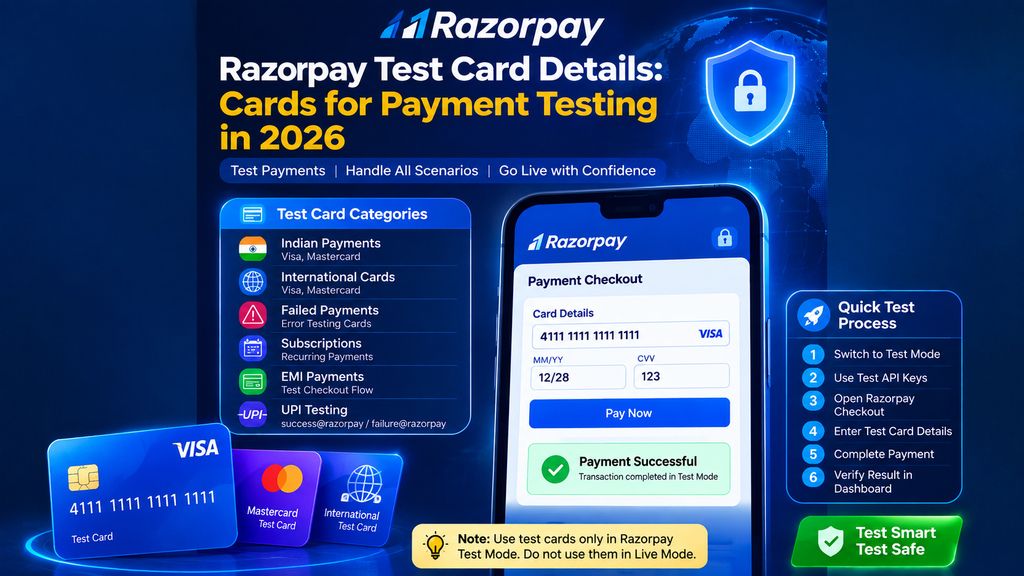
Follow this exact sequence every time:
- Open the Razorpay Dashboard and switch to Test Mode.
- Copy the Test Mode Key ID and Key Secret.
- Put only those Test keys into your code.
- Create a test order and launch Checkout.
- Select Card.
- Type the test card number, any future expiry, and any random CVV.
- Click Pay.
- On the mock page choose Success or Failure.
- Return to your site and confirm the result.
- Open the Dashboard and verify the payment and order status.
Mixing Test keys with Live keys is the single most common reason tests break.
Razorpay Test Mode: What Happens After You Click Pay?
Test Mode never sends the customer to a real bank. Instead it shows a simple mock page with Success and Failure buttons (or an OTP field in some versions).
- Success creates a simulated successful payment.
- Failure creates a simulated failed payment.
The payment appears in your Test Mode Dashboard with a clear test status. Your webhooks still fire, so you can confirm the full chain from Checkout to your backend.
Razorpay Test Cards vs. Real Credit or Debit Cards
Test cards and real cards never mix.
- Test cards work only in Test Mode and never move real money.
- Real cards work only in Live Mode and always move real money.
- Putting a test card into Live Mode returns “card issuer is invalid” or “invalid card input.”
- Putting a real card into Test Mode simply fails.
Keep the two environments completely separate. That single habit prevents almost every accidental charge.
Common Razorpay Test Card Errors and Fixes
“The card issuer is invalid” or “Invalid card information.”
You used a test card in Live Mode or a real card in Test Mode. Switch the mode and the keys.
Wrong API keys
Confirm the keys in your code match the mode shown in the Dashboard.
Past expiry date
Always choose a month and year that has not yet arrived.
International cards rejected
Enable international payments in the Dashboard or switch to a domestic test card.
Incomplete flow
Make sure you finish the mock page step. Many people close the window too early.
Razorpay Test UPI IDs You Can Use
Cards are not the only option. For UPI testing type these exact IDs:
- success@razorpay → payment succeeds
- failure@razorpay → payment fails
Do not scan QR codes with real UPI apps while you are in Test Mode. The IDs above work only inside the Checkout UPI field.
How to Verify a Successful Razorpay Test Payment
After every test payment check five places:
- Payment status inside the Razorpay Dashboard
- Linked order status
- Capture status (if you use authorize-then-capture)
- Webhook or event log on your server
- Final state of the order or user account in your own database
When all five match, the integration is solid.
Best Practices for Razorpay Payment Testing
Keep Test Mode and Live Mode keys in completely different places.
Test both success and failure on every code change.
Run the same flow with Visa and Mastercard.
Test refunds and webhook handling.
If you offer subscriptions or EMI, test the full cycle.
Finish with one complete end-to-end run before you switch to Live Mode.
Final Checklist
- Successful payments work with domestic test cards
- Failed payments show clear messages and create no paid orders
- Webhooks arrive and update your system correctly
- Order and payment statuses match in Dashboard and backend
- Subscriptions and EMI complete the full flow if you use them
- All Test Mode keys are replaced with Live Mode keys
- One final verification run is complete
Only after every item is checked should real customers start paying.
FAQ
What is a Razorpay test card?
A simulated card number that works only inside Razorpay Test Mode so you can check payments without real money.
Are Razorpay test cards free?
Yes. They cost nothing and never charge real money.
Do Razorpay test cards charge real money?
No. Every transaction stays inside the simulated environment.
Can I use a test card in Live Mode?
No. You will see an error such as “card issuer is invalid.”
What CVV should I enter?
Any three random digits. 123 is fine.
What expiry date should I use?
Any future month and year, for example 12/30.
Which test card works for Indian payments?
Mastercard 5267 3181 8797 5449 and Visa 4111 1111 1111 1111 are the most reliable starting points.
How do I test a failed payment?
Enter a test card and choose Failure on the mock page, or use a dedicated error card if one is listed.
Can I test subscriptions with Razorpay test cards?
Yes. Use the subscription cards listed earlier and test both the first authentication and later charges.
Where can I find the latest official test-card list?
The official Razorpay documentation page for Test Card Details is the only place that stays fully up to date.
Razorpay test card details give every developer a safe way to prove the payment system works before real money is involved. Use the numbers above, stay inside Test Mode, and verify every step. When the checklist is complete you can switch to Live Mode with confidence.
Pingback: TechNewsIdeas com: A Comprehensive Guide to the Website