
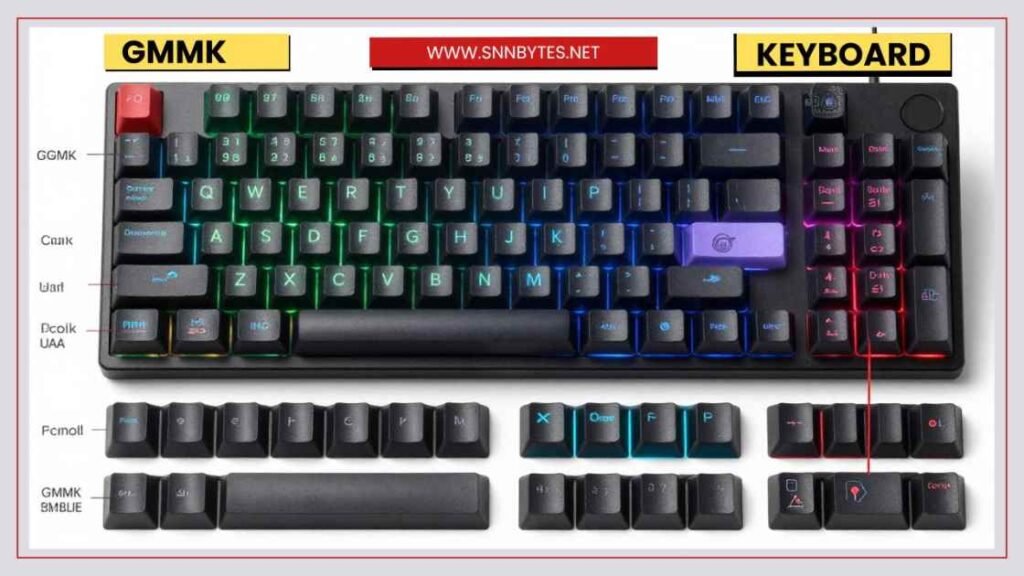
Have you ever felt like your keyboard just doesn’t fit your style or needs? That’s where the glorious GMMK keyboard comes in. It’s a game-changer for anyone who wants a personalized typing experience without the hassle. In this guide, we’ll dive into everything about the GMMK series, from its core features to real user reviews. Whether you’re a gamer, a coder, or just someone who types a lot, you’ll find helpful insights here.
We’ll cover the basics, popular models, layouts, and more. By the end, you’ll know if a GMMK keyboard is right for you. Let’s get started.
What is a GMMK Keyboard?
The GMMK stands for Glorious Modular Mechanical Keyboard. Glorious is a company focused on gaming gear. What sets it apart is its modular design. You can swap parts easily to make it your own.
At its heart, the GMMK is a mechanical keyboard. That means it uses individual switches under each key for a better feel and durability. Unlike regular keyboards, mechanical ones give tactile feedback. This makes typing more satisfying and accurate.
The first GMMK came out years ago and quickly gained fans. It was one of the first affordable options with hot-swappable switches. That feature lets you change switches without soldering. It’s perfect for beginners who want to experiment.
Today, the line includes several models. They range from compact sizes to full setups. Prices start around $50 for basic versions and go up to $400 for premium ones. Each model builds on the idea of customization. You can pick switches, keycaps, and even add extras like wrist rests.
Why choose a GMMK? It’s versatile. Gamers love the quick response. Office workers appreciate the comfort. And hobbyists enjoy building their dream setup. If you’re tired of stock keyboards, this could be your upgrade.
History and Evolution of GMMK Keyboards
The GMMK story starts with the original model. It launched as a simple, full-size keyboard. Back then, hot-swappable tech was rare in budget options. Glorious changed that by making it accessible.
Over time, the series grew. The GMMK 2 added better lighting and smaller layouts. It focused on gamers with faster response times. Reviews praised its build quality and value.
Then came the GMMK Pro. This was a step up for enthusiasts. It featured a premium aluminum case and gasket mounting. That means softer typing with less noise. Users noted its sturdy feel and custom options.
The latest is the GMMK 3. It introduces Hall Effect switches in some versions. These use magnets for adjustable actuation. That lets you set how far a key press must travel before it registers. It’s great for gaming where speed matters.
Each generation improves on the last. Glorious listens to feedback. For example, early models had latency issues, but newer ones fixed that. The evolution shows a commitment to quality. From basic to advanced, the GMMK line has something for everyone.
Key Features of GMMK Keyboards
What makes a glorious GMMK keyboard stand out? Let’s break down the main features. These are what draw people in.
Hot-Swappable Switches
This is the star feature. You can pull out switches and pop in new ones. No tools needed beyond a keycap puller. It supports many types: linear for smooth typing, tactile for feedback, or clicky for that satisfying sound.
Why is this useful? Switches wear out, or you might want a different feel. With GMMK, change them anytime. It’s cheaper than buying a whole new keyboard.
GMMK Keyboard Layout Options
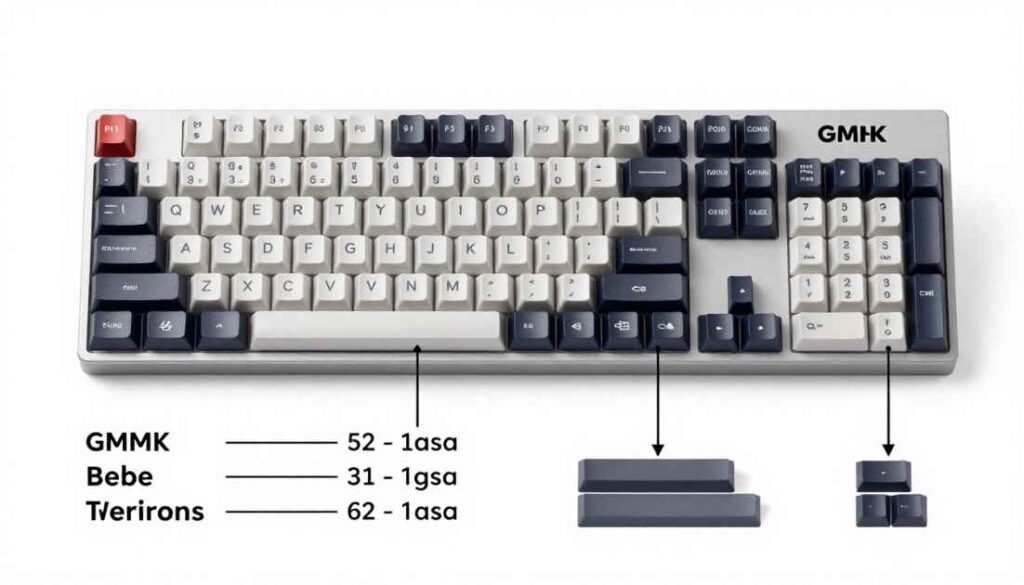
Layouts vary by model. Common ones include 65%, 75%, and full size. A 65% is compact, great for small desks. It skips the numpad but keeps arrows.
The 75% adds a few more keys, like function rows. Full size has everything, including a numpad. Some models offer ANSI or ISO layouts for different regions.
Pick based on your needs. Gamers often go compact to free mouse space. Typists might want full-size for numbers.
RGB Lighting
All GMMK keyboards have per-key RGB. That means each key lights up individually. You can set effects like waves or static colors.
It’s not just pretty. Lighting helps in dim rooms. Customize via software for profiles. Save settings for games or work.
Hall Effect Technology
New in GMMK 3 models. Hall Effect switches use sensors instead of contacts. Adjust actuation from 0.1mm to 4mm. Rapid trigger resets keys fast for quick taps.
This tech shines in FPS games. Pros: less wear, customizable. Cons: higher price.
Other features include aluminum builds for durability. Some have wireless options. Battery life is solid in those. Overall, these make GMMK keyboards flexible and future-proof.
Popular GMMK Models
The GMMK line has several models. Each suits different users. Here’s a closer look.
GMMK 3
The newest flagship. Available in 65%, 75%, and 100% layouts. Prebuilt starts at $140, barebones at $90.
Key specs: Hot-swappable, RGB, optional Hall Effect. Wireless in Pro versions with 8K polling.
Users love the customization. Over a billion configs via the Boardsmith tool. It’s sturdy with an aluminum body.
GMMK Pro
Aimed at pros. 75% layout, gasket-mounted for soft feel. Barebones around $120.
Features: Premium plate, rotary knob for volume. Great sound with foam mods.
Reviews say it’s responsive. Some note minor issues like ping, but they are easy fixes.
GMMK 2
Budget-friendly. 65% or 96% layouts. Prebuilt: $120; barebones: $50.
Specs: Tray mount, hot-swappable. Solid for starters.
It’s lightweight but durable. Good for everyday use.
Compare these to find your fit. GMMK 3 for latest tech, Pro for premium, 2 for value.
GMMK Keyboard Layout Explained
Understanding the GMMK keyboard layout helps you choose. Layouts affect key count and size.
- 65% Layout: 68 keys. No numpad or function row. Compact, portable. Ideal for gaming. The arrow keys are there, but some functions require layers.
- 75% Layout: About 84 keys. Adds column for home, delete. Still small but more versatile. Common in Pro models.
- 96% or Full Size: 100+ keys. Includes numpad. Best for data entry. Heavier, takes more space.
ANSI vs. ISO: ANSI has a straight enter key; ISO has an L-shaped one. US users prefer ANSI.
Layers add shortcuts. Program the fn key for extras. This makes even small layouts powerful.
Think about your workflow. Desk space limited? Go 65%. Need numbers? Full size.
GMMK Keyboard Reviews
Real users share mixed but mostly positive thoughts. Let’s summarize key GMMK keyboard review points.
One review calls the GMMK excellent for gaming but notes high latency in older models. Fixed in newer ones.
For the GMMK Pro, after months of use, it’s praised for its sound, but some have had issues with loose knobs.
GMMK 2 gets rave reviews for value. “Best out of the box at that price,” says one.
GMMK 3 Pro impresses with Hall Effect. “Craziest customization,” but software bugs noted.
Pros often include the build, switches, and lights. Cons: occasional QC issues, higher cost for Pro.
Overall score around 8/10 across sites. Users say it’s user-friendly for customs.
Comparison of GMMK Models
Here’s a table comparing popular models:
| Model | Layout Options | Price Range | Key Features | Best For |
| GMMK 3 | 65%, 75%, 100% | $90-$410 | Hall Effect, Wireless, RGB | Advanced Users |
| GMMK Pro | 75% | $120 | Gasket Mount, Knob | Enthusiasts |
| GMMK 2 | 65%, 96% | $50-$120 | Hot-Swap, Compact | Beginners |
This table shows differences at a glance.
Customization and Building Your GMMK
Building a GMMK is fun and easy. Start with a barebones kit. Add switches like Gateron or Glorious Pandas.
Steps:
- Choose a case and a plate.
- Install stabilizers for big keys.
- Pop in switches.
- Add keycaps.
Tools: Screwdriver, puller.
Mods: Foam for sound, tape for stability.
Software lets you remap keys and set macros.
From social chatter, users love mixing colors.
It’s rewarding. Turn a basic board into something unique.
Software and Compatibility
Glorious Core software handles settings. Download it for RGB, macros, and updates.
Compatible with Windows and Mac. Some Linux support.
Wireless models connect via Bluetooth or 2.4GHz.
Easy to use, but some report bugs. Updates fix most.
Pros and Cons of GMMK Keyboards
Pros:
- Highly customizable.
- Durable build.
- Great for gaming and typing.
- Affordable entry points.
Cons:
- Premium models are pricey.
- Software glitches.
- Learning curve for builds.
Weigh these based on your needs.
Final Thoughts
The glorious GMMK keyboard series offers something for everyone. From hot-swappable switches to advanced Hall Effect tech, it’s built for customization. Whether you pick the GMMK 3 for cutting-edge features or the GMMK 2 for budget value, you’ll get a reliable board.
If you’re ready to upgrade, consider your layout and needs. Try building one for a personal touch. What do you think? Share your thoughts in the comments. Your next keyboard could be a GMMK.
FAQ
What does GMMK stand for?
The Glorious Modular Mechanical Keyboard is known for its customizable design.
Are GMMK keyboards good for gaming?
Yes, with low latency and customizable switches, they’re excellent for gamers.
Can I use any switches with GMMK?
Most MX-style switches work, thanks to hot-swappable sockets.
What’s the difference between GMMK 2 and GMMK 3?
GMMK 3 adds Hall Effect and more layouts; GMMK 2 is more budget-focused.
How do I customize RGB on GMMK?
Use Glorious Core software to set colors and effects.
Is GMMK wireless?
Some GMMK 3 Pro models are wireless; others are wired.
What’s the Hall Effect in GMMK 3?
Magnetic switches for adjustable actuation and rapid trigger.
Where can I find GMMK keyboard layouts?
Models are available in 65%, 75%, 96%, and full-size options.